01
Create
Convert a photo with a real floss palette, or paint an original design stitch by stitch.
 StitchX
Cross-stitch design app
Shape every square, choose your colors, and export a professional pattern PDF for stitching or selling. Your first complete PDF export is always free.
Create one. Export it. Keep it.
iPhone & iPad · Android · Web
StitchX is a photo to cross-stitch pattern maker with the editing tools to take you beyond an automatic conversion.
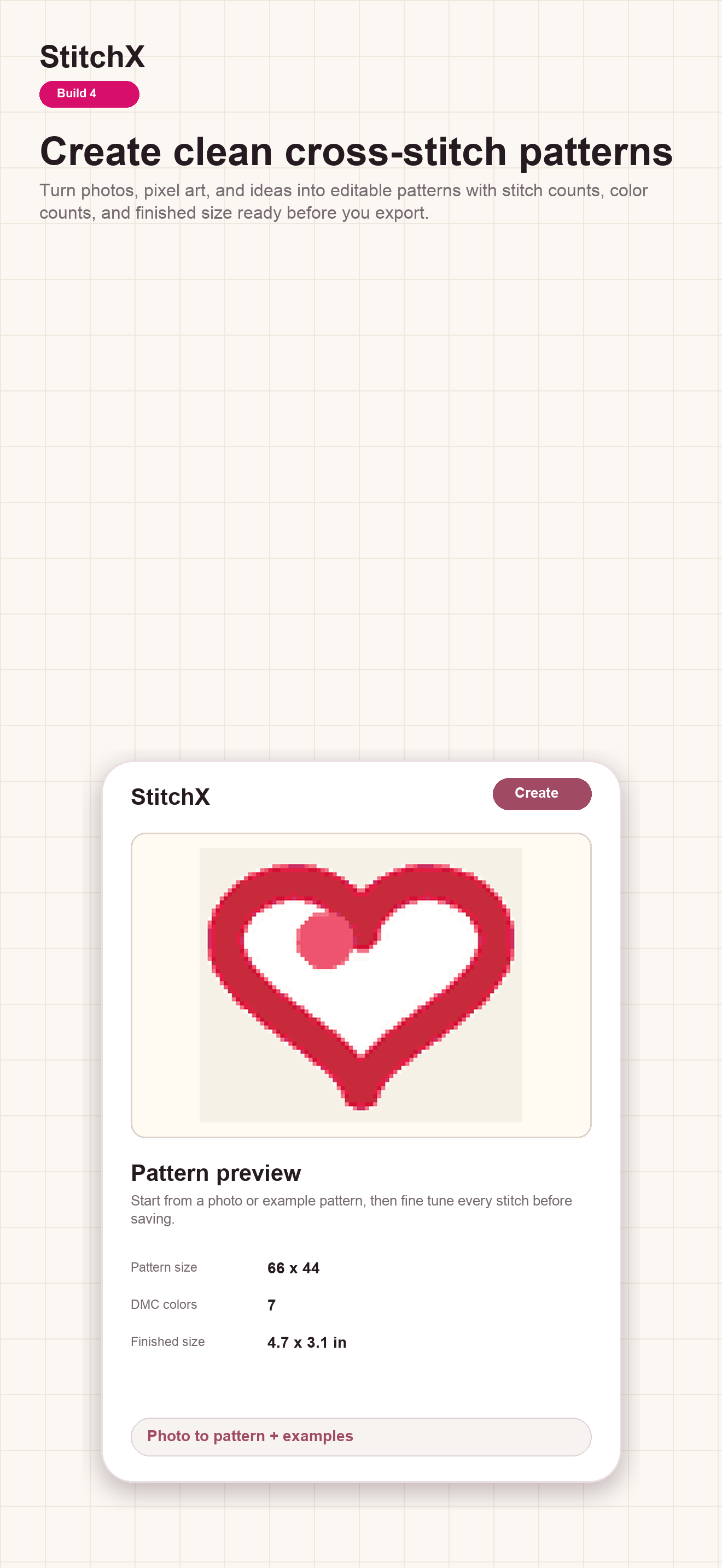
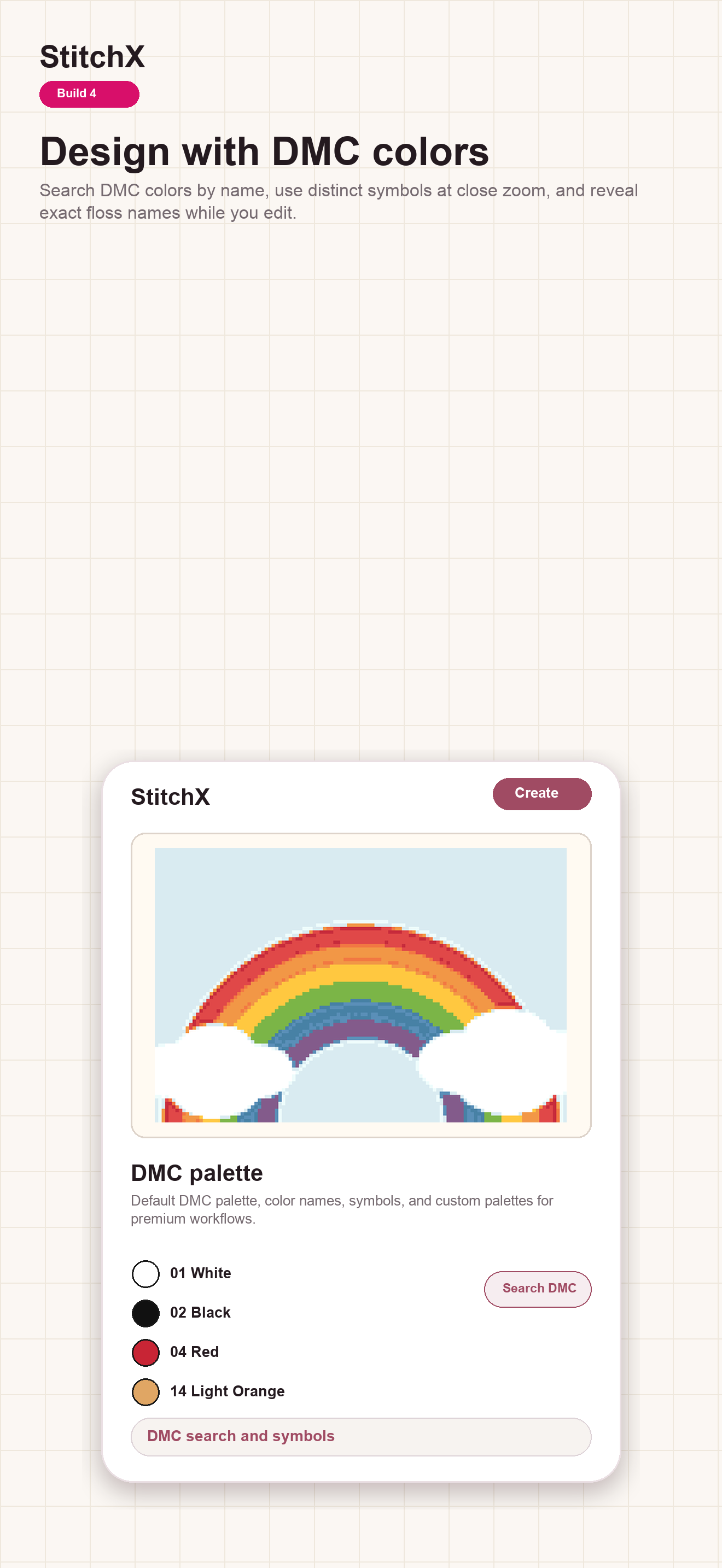
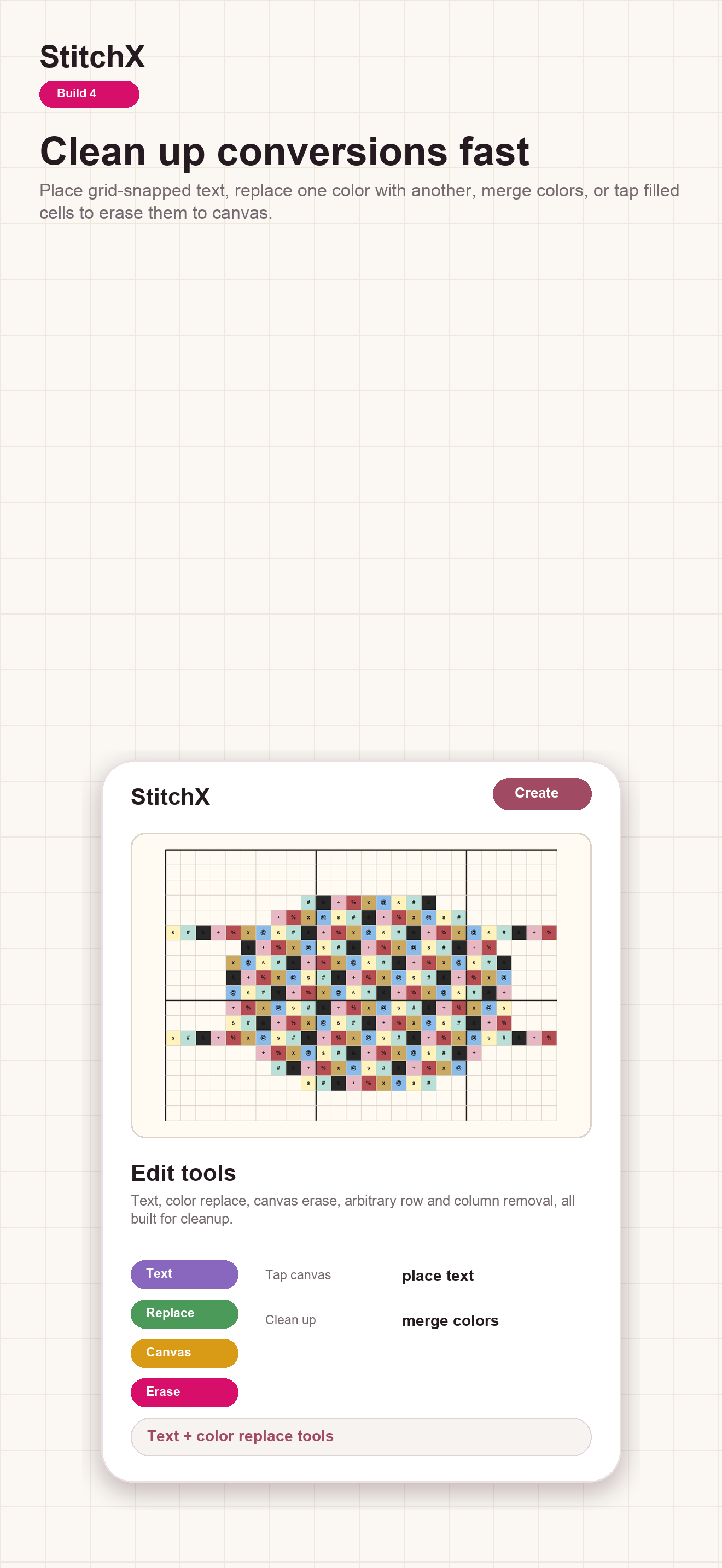
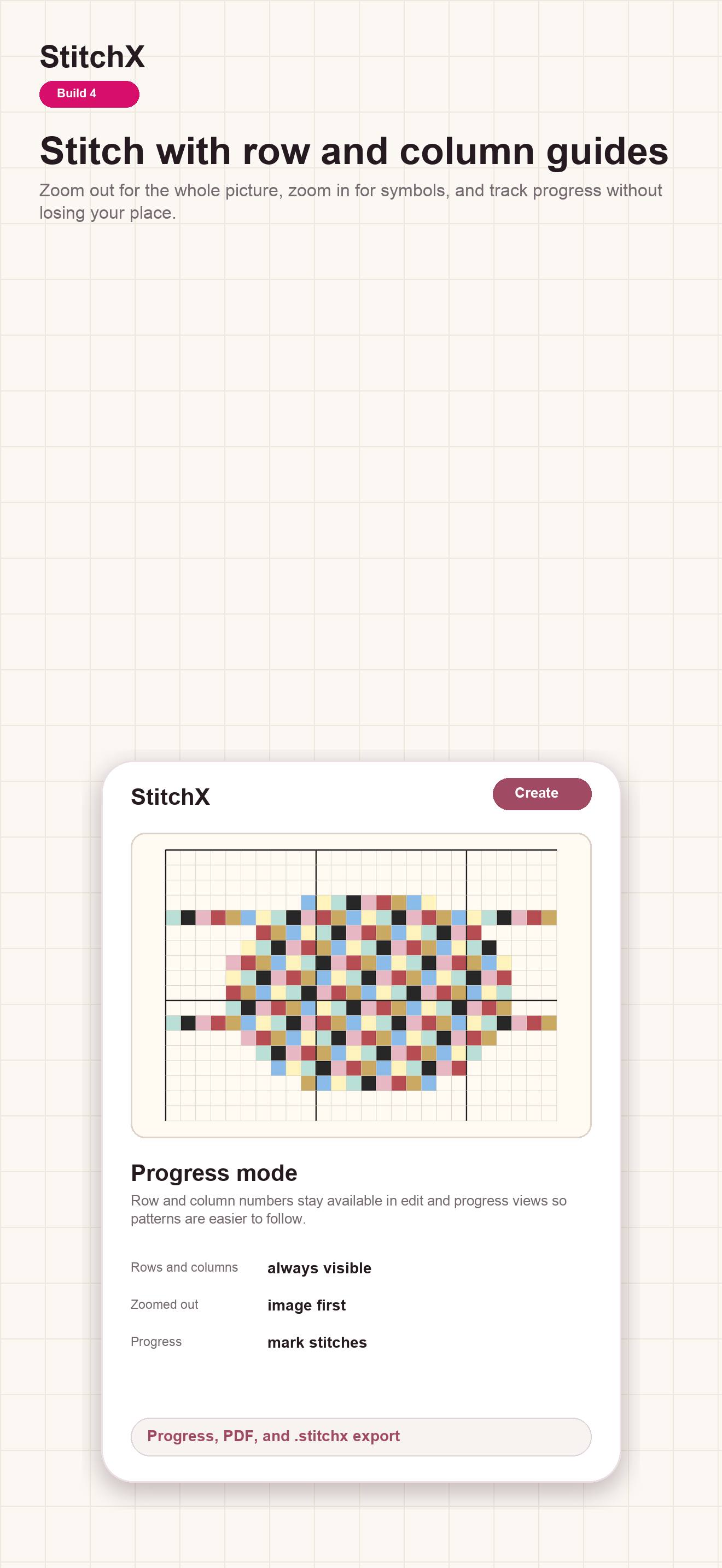
Start from a photo or a blank grid. The result stays editable from the first square to the final PDF.
01
Convert a photo with a real floss palette, or paint an original design stitch by stitch.
02
Adjust colors, replace a shade across the design, add grid-snapped text, and clean up the details.
03
Make a professional, printable cross-stitch pattern PDF with symbols, coordinates, and a full floss legend.
Free should lead somewhere useful. With StitchX, you can complete your first pattern and export a usable PDF—not merely preview it behind a paywall. Your work stays on your device to stitch, share, or archive.
A more thoughtful creative loop
Refining a pattern one square at a time can be calm and absorbing. Adjust the colors, clean the details, and watch the design gradually become yours. Creating the pattern can feel almost as satisfying as stitching it.
Shape the result one square at a time.
Make a gift, build a stitchable chart from your art, or prepare a marketplace-ready PDF for work you have the rights to use.
Turn a meaningful photo, an illustration, or a small idea into a pattern that is easy to follow at the hoop.
Export a clear PDF chart and a clean StitchX project file, then choose how and where you want to share your work.
You are responsible for having rights to the photos, artwork, characters, trademarks, and other material you use.The human story
“You’re a computer engineer—why can’t I turn my own photos and designs into professional pattern PDFs I can sell online?”
StitchX began with that challenge from my sister-in-law, a cross-stitcher. The honest answer was that it was much harder than it looked.
She did not just inspire the idea. She became StitchX’s founding stitcher and first hands-on tester. Because she approaches the app as a stitcher—not as a software developer—she catches every place where the experience assumes too much. If the next step is not obvious, the design is not finished.
The current release is focused on local, editable pattern creation. Future ideas stay clearly marked as planned.
Planned creator metadata, branded exports, and clearer sharing workflows for people publishing original designs.
Explore the creator programFuture work may improve difficult image conversions. It is not part of StitchX 1.0 and does not describe the current local photo-to-pattern tool.
Read the planned roadmapThe mobile free tier supports one active custom design and a complete PDF export. You can create a real pattern, edit it, and take a usable chart with you before deciding whether Premium is useful.
Yes. StitchX exports a multi-page PDF chart with stitch symbols, coordinates, 10-stitch grids, and a floss legend. Your first complete PDF export is always free.
StitchX does not claim ownership of the patterns you create. If you sell or share a pattern, you are responsible for the rights to the source material and for meeting the rules of the place where you publish it.
Your patterns and exports are stored on your device. StitchX does not take ownership of your original work or the files you choose to share.
A .stitchx file is a portable StitchX project file. You can export it from the editor and import it back into the StitchX library. Exports leave out personal progress marks so the pattern starts clean.
Photos are processed on your device, not uploaded for conversion. The privacy policy explains how files leave your device only when you explicitly choose to share them.
Current photo conversion happens locally using palette and image-processing tools. AI-assisted image conversion is planned for a future release; it is not a feature of StitchX 1.0.
Store downloads are coming soon. In the meantime, you can read the roadmap or ask a question.